
 Crypto Widgets
Bitcoin’s RSI, as an iPhone widget
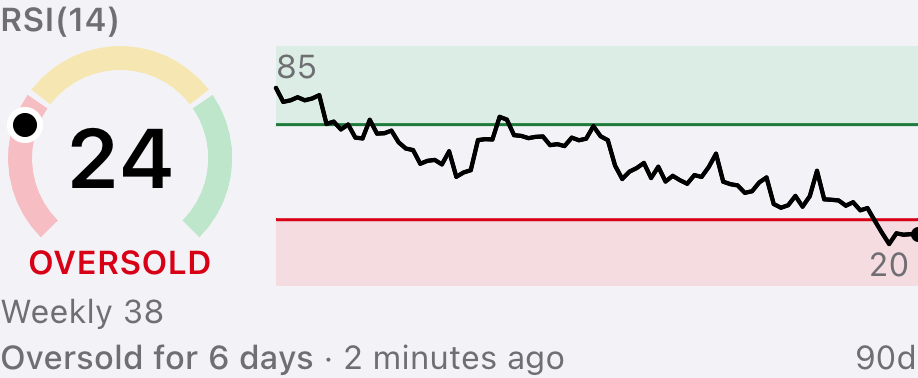
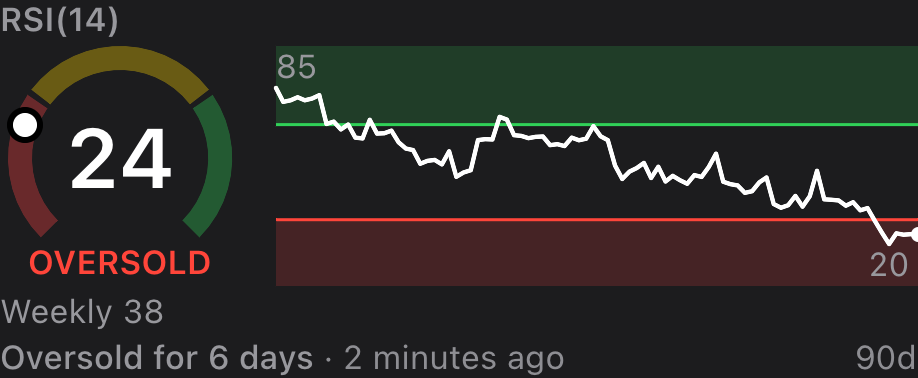
The Relative Strength Index, RSI, compares the size of bitcoin’s recent daily gains with its recent daily losses over 14 days, on a scale from 0 to 100.

Pro Comes with Pro, which starts with two weeks free. The app itself is free to download.
How to read it
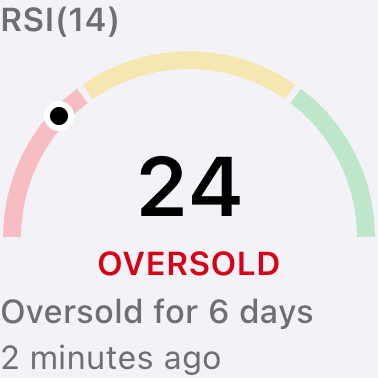
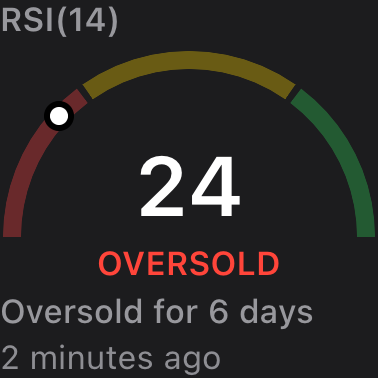
A reading above 70 is usually called overbought, below 30 oversold. Those words describe unusually strong recent momentum in one direction: they describe the last two weeks rather than predict the next. In a strong trend, RSI can stay past 70 or under 30 for a long time.
The widget shows today’s reading on a dial, with the weekly reading as its detail, so you can set the short view against the longer one.
It is worked out from the US dollar price, as other sites publish it, so it reads the same in every currency. It uses the standard 14-day setting, so it reads like the daily RSI on chart sites, give or take the exchange their closes come from.
Put it on your Home Screen, Lock Screen or Apple Watch, and set an alert for when RSI crosses 70, 30 or a level you choose, or join it with another metric, such as the Mayer Multiple, so you hear only when both line up.